Prepare a cleaner listing image
Improve overall lighting, color, clarity, and presentation so the property photo reads well on listing portals and social posts.
Built for property marketing
Improve lighting and image quality, remove distracting furniture, refresh landscaping, or stage an empty room. Start with the listing photo you already have.
No signup for the first eligible photo. Use authorized images and review every result before publication.
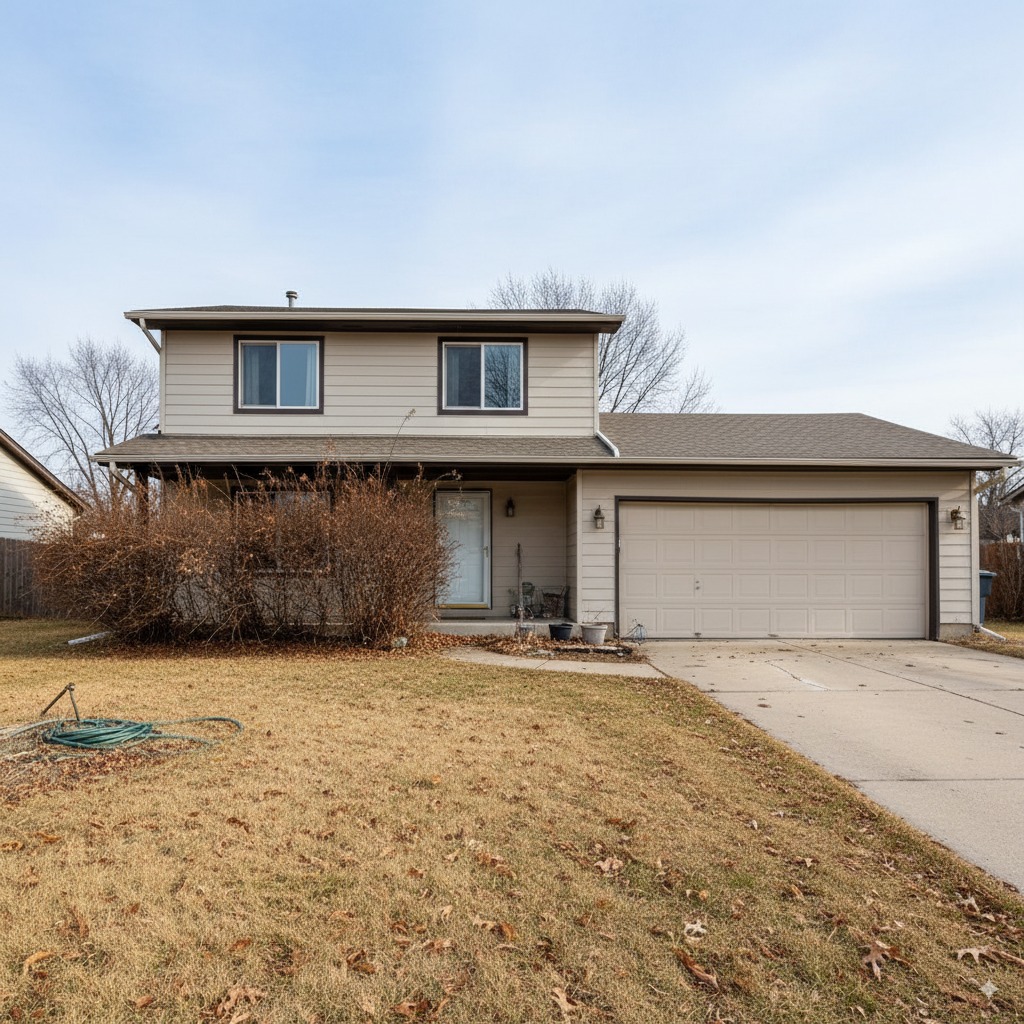 Original
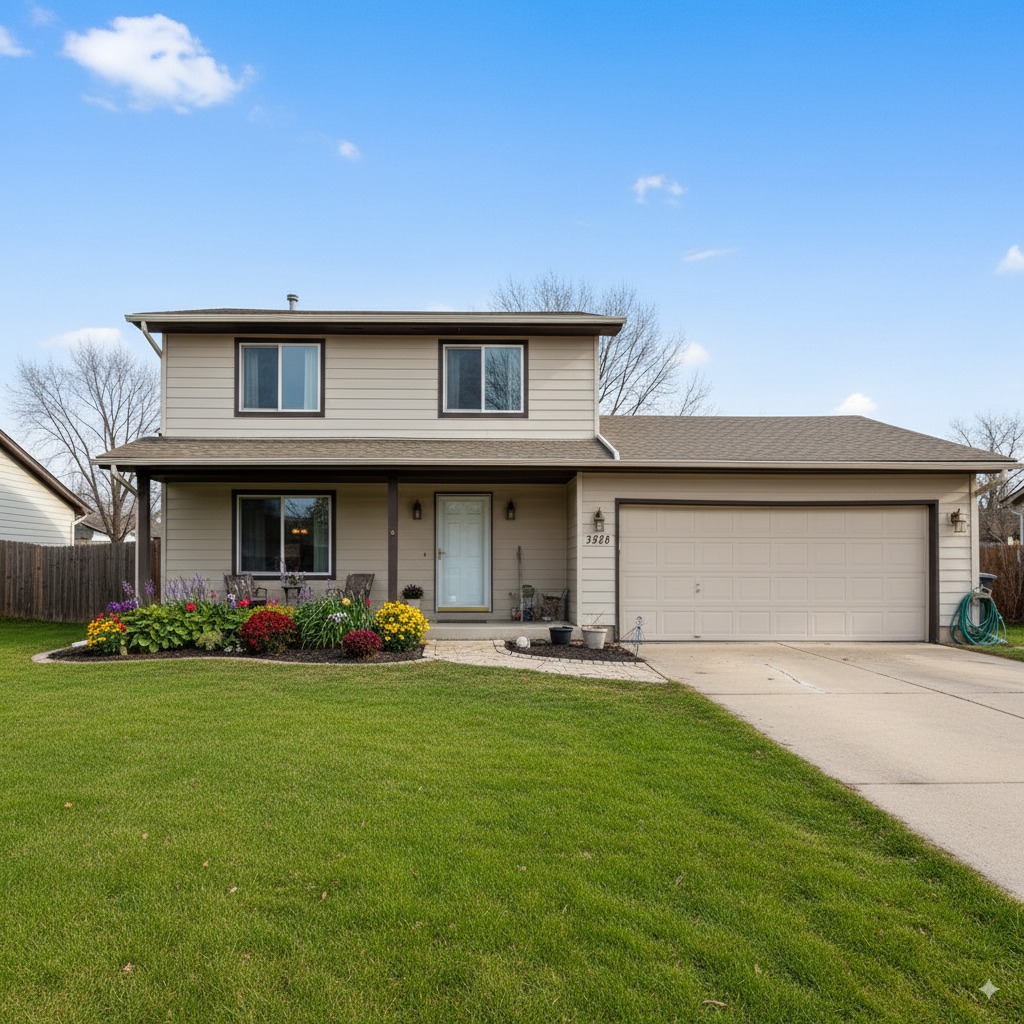 Enhanced
Editing options
Choose an edit based on the problem in the photo. A dark interior needs a different treatment than an empty room or an exterior with tired landscaping.
Improve overall lighting, color, clarity, and presentation so the property photo reads well on listing portals and social posts.
Remove furniture when you need a clearer view of the room before staging or presenting the space as vacant.
Improve the appearance of grass, planting areas, and outdoor presentation while keeping permanent property features accurate.
Add digital furniture and decor to help buyers understand room purpose and layout. Explore the dedicated AI virtual staging tool.
Listing photo examples
Original
Enhanced
Improve curb-appeal presentation while preserving the home's fixed structure.
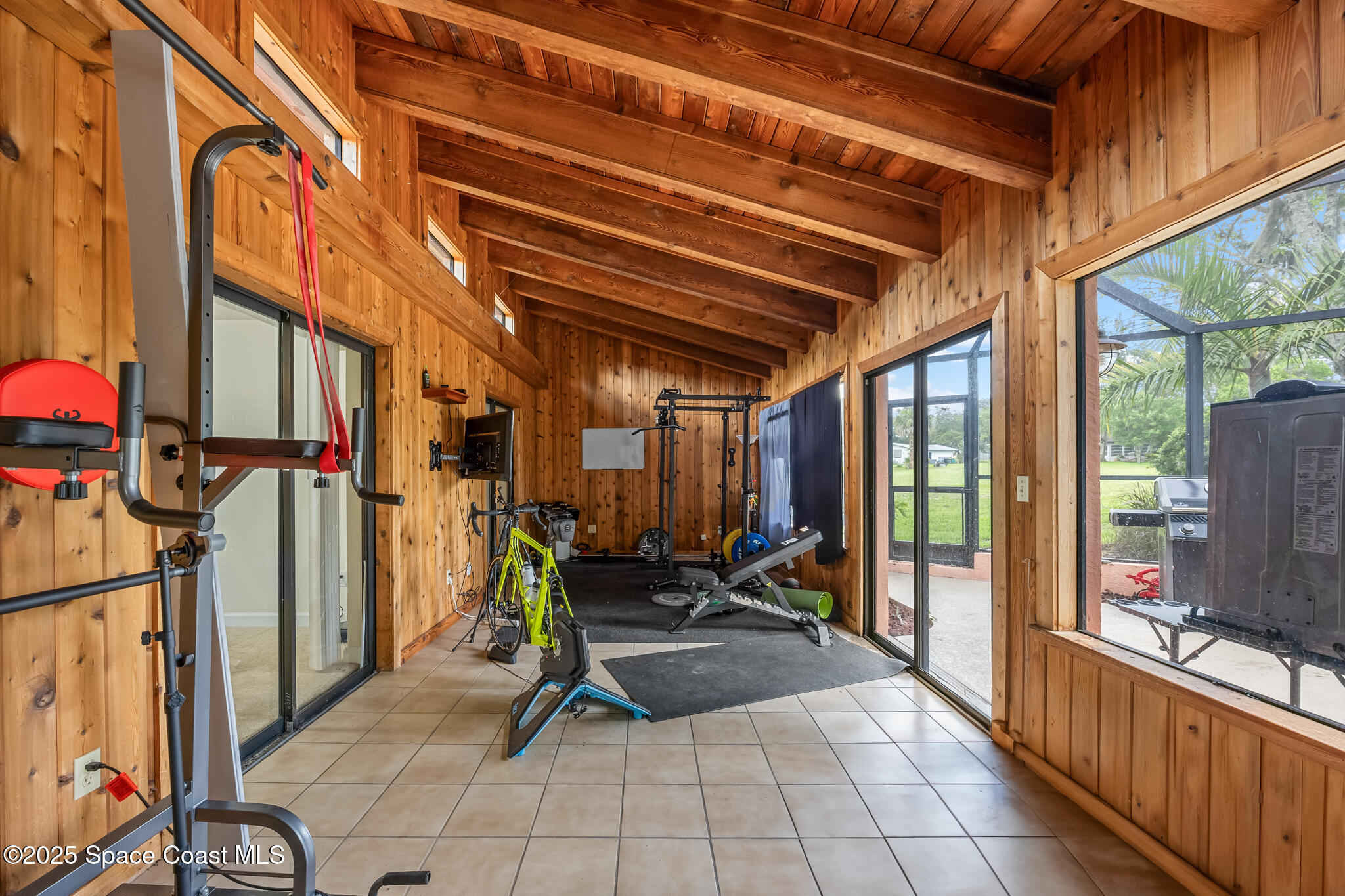 Original
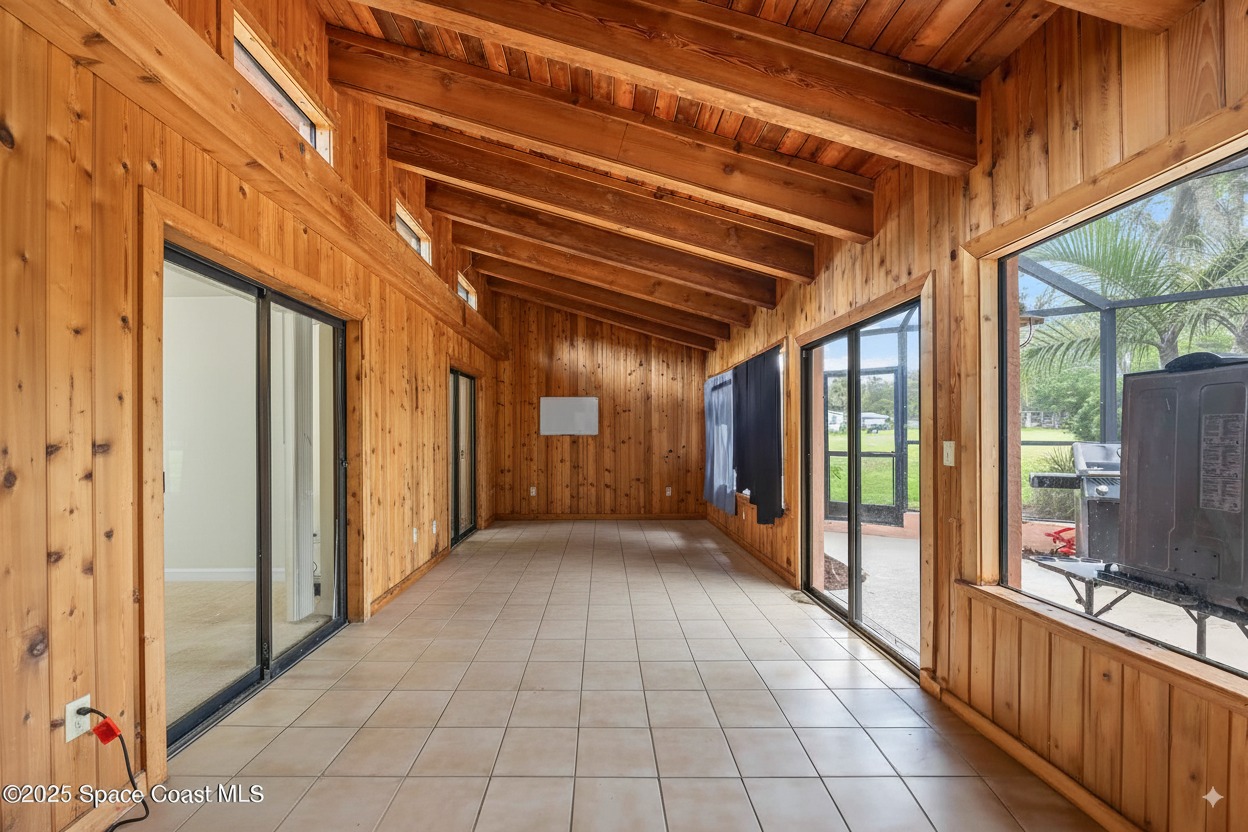 Enhanced
Use cleanup and staging options to make the room's purpose easier to read.
How it works
Use a clear JPG, PNG, or WebP image that you are authorized to edit.
Select photo enhancement, furniture removal, landscaping, or virtual staging.
Compare the result with the source photo, approve it, and disclose material edits when required.
Better listing photos
Strong listing photos make it easier for buyers to understand the property before scheduling a showing. Use AI editing to fix presentation problems, then pair the images with accurate property details and a clear listing description. ListingEnhancer improves the visual material; it does not guarantee views, offers, sale price, or time on market.
Questions
ListingEnhancer can improve image quality and presentation, add virtual staging, remove furniture, and enhance landscaping. Available options depend on the source photo.
Agents can edit photos they are authorized to use, but the result should remain an accurate representation of the property. Review local MLS, brokerage, and advertising disclosure rules before publishing.
Yes. You can process one eligible property photo without signup.
ListingEnhancer edits an existing photo. Strong source photography still gives the editor better framing, detail, and lighting to work with.
Yes. The done-for-you real estate photo editing service is available for agents and teams that prefer a managed workflow.
Upload one eligible property photo, choose the editing job, and review the result without creating an account.